
The 47 AI Prompts That Will Transform Your Nonprofit
You're About to Save Your Nonprofit Hours Every Week (And Finally Make AI Work FOR You, Not Against You)
Listen, I get it. You've been hearing about AI everywhere, but when you actually try to use ChatGPT or Claude for your nonprofit work, the results are... well, let's just say they sound like they were written by a robot who's never stepped foot in a nonprofit office.
Maybe you've tried asking for help writing a donor email, and got back something that could have been for any organization anywhere. Or perhaps you attempted to get assistance with a grant proposal, only to receive generic fluff that missed your mission entirely.
The thing is, AI can be incredibly powerful for nonprofits. I've seen organizations save 5-10 hours per week once they know how to communicate with these tools properly. But here's what most people don't realize: the magic isn't in the AI itself—it's in knowing exactly what to ask for.
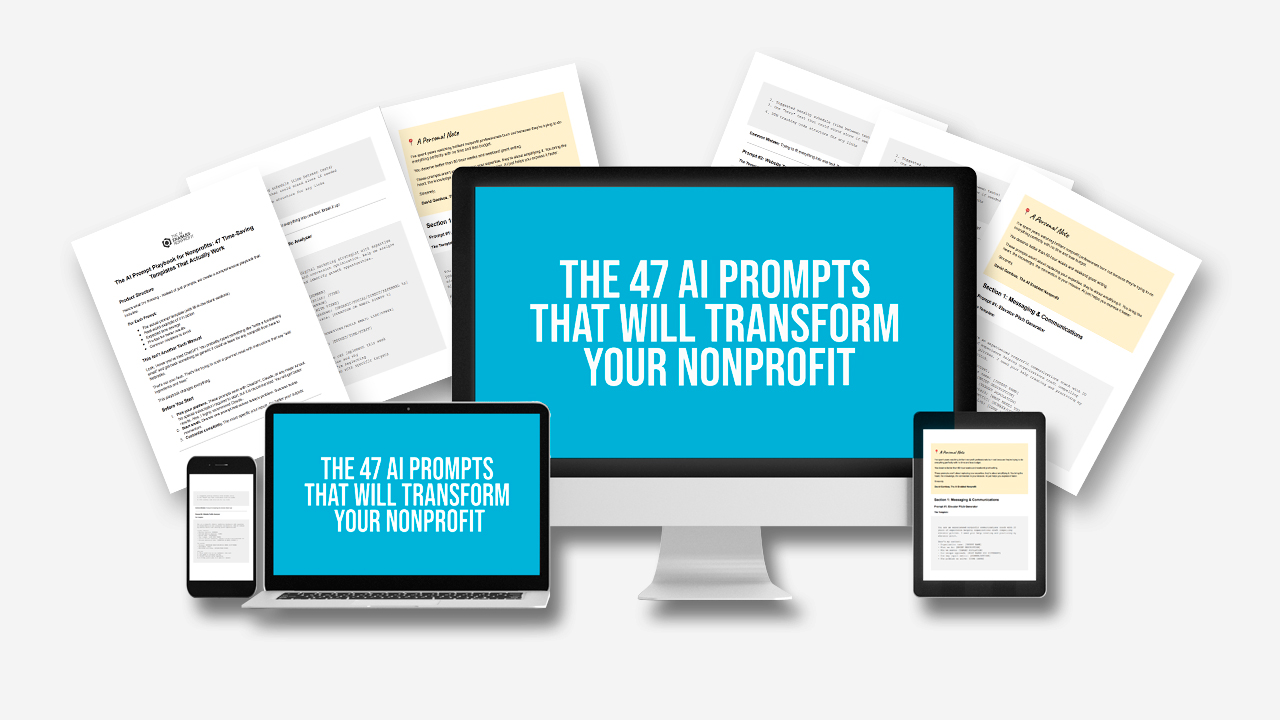
47 copy-and-paste prompts across 68 pages - organized by the actual work you do (fundraising, communications, program reporting, etc.) so you can find what you need fast
Stop getting generic AI responses that sound like they're for any organization - these prompts are built specifically around nonprofit workflows and challenges
Save 5-10 hours per week on writing tasks you're probably dreading anyway (donor emails, grant reports, social media posts, board updates)
Get AI to understand your mission and impact metrics - instead of having to explain your work every single time you ask for help
Works with any AI tool - whether you're using ChatGPT, Claude, or whatever comes next, these prompts will make them actually useful for nonprofit work
No tech expertise required - just copy, paste, add your organization's details, and watch AI finally start helping instead of frustrating you